

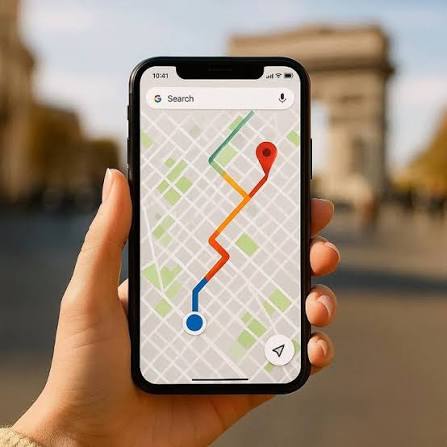
You’re driving home for Christmas when the network drops, just as you need to find a turning. If you’ve downloaded the area in Google Maps, your phone can still give you driving directions. The saved map must cover the whole journey, from where you start to where you’re going. Saving just your destination won’t cover the roads in between.
Before you leave, open Google Maps while you’re connected to Wi-Fi. Tap your profile picture, choose Offline maps, then tap Select your own map. Move and resize the box until it covers your departure point, destination and the roads between them. Tap Download.
READ ALSO:
- Kano Court Adjourns Suit Challenging NDC Governorship Ticket To December 7
- Fraud, Assault Case: Complainant Asks AGF To Take Over Trial As Court Fixes December 10 Hearing
Once it’s saved, turn off Wi-Fi and mobile data and check that the app can still give you driving directions. Offline maps can guide you along the route, but you’ll need an internet connection for live traffic updates, alternative routes and public transport directions.

