

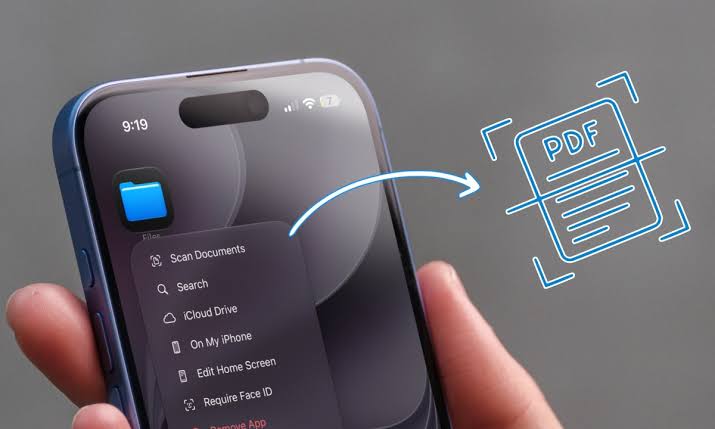
You don’t need an expensive scanner or a business centre to turn paper documents into digital files. Your smartphone can do the job in minutes.
Whether you’re submitting a job application, sending school certificates or sharing official documents, your phone can create clear PDF copies.
For Android users, open Google Drive, tap the camera or scan icon, and point your phone at the document. Adjust the edges, scan additional pages if necessary, and save the file as a PDF.
READ ALSO:
- What’s New 5 Trending Tech Stories | November 17, 2026
- YPP Presidential Candidate Unveils Manifesto, Says Economy Growing Without Lifting Nigerians
For iPhone users, open the Notes app, create a new note, tap the attachment icon and select Scan Documents. Position your camera over the paper, capture the page and save it. You can then share the scanned document as a PDF.
For clearer results, place the document on a flat surface with good lighting.
This simple technology saves transport costs, reduces paperwork and makes submitting documents easier, especially for Nigerians applying for jobs, scholarships or government services.

